

Requirements
Before starting the deployment:- macOS devices must be enrolled in Microsoft Intune.
- You must have the FlexxAgent installation script (
.sh).
Download the installation script
The agent is distributed for macOS through an installation script. To obtain it:- Download FlexxAgent from the platform.
-
Get the installation file with the
.shextension.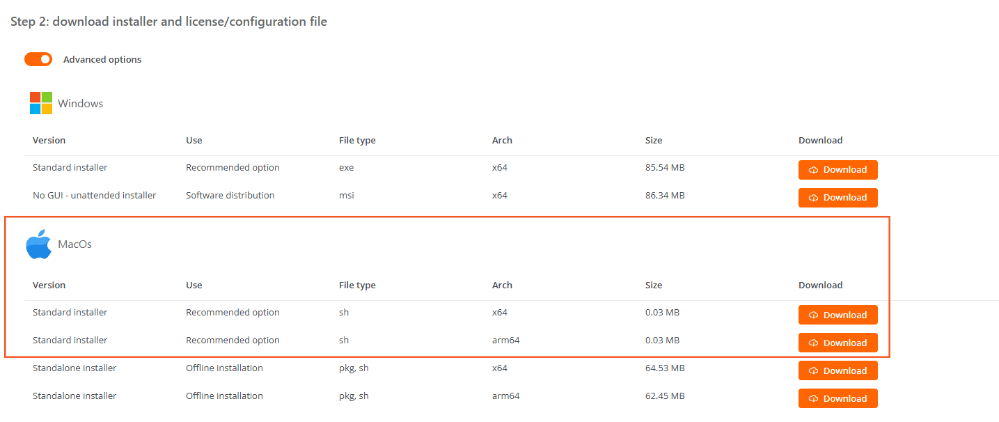
Configure the deployment in Microsoft Intune
Once the installation script has been downloaded:- Sign in to the Microsoft Intune admin center.
- In the side menu, go to Devices → macOS.
- Under Manage devices, select Scripts.
- Create a new script.
-
Complete the configuration by following the steps below.
Basics
Enter the general information for the script.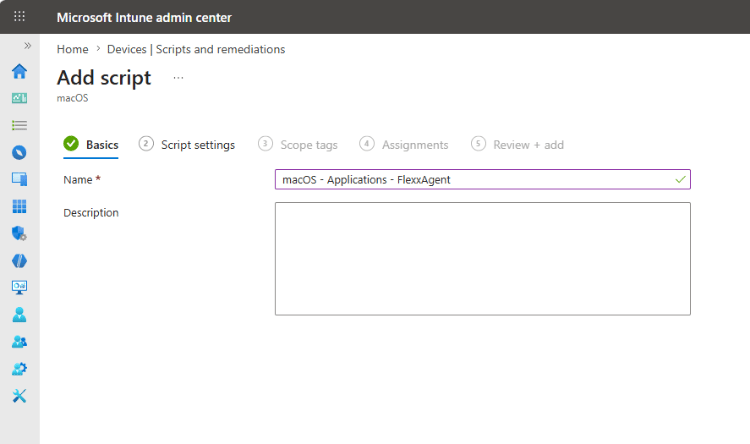
Script settings
Configure the script and upload the FlexxAgent.shfile.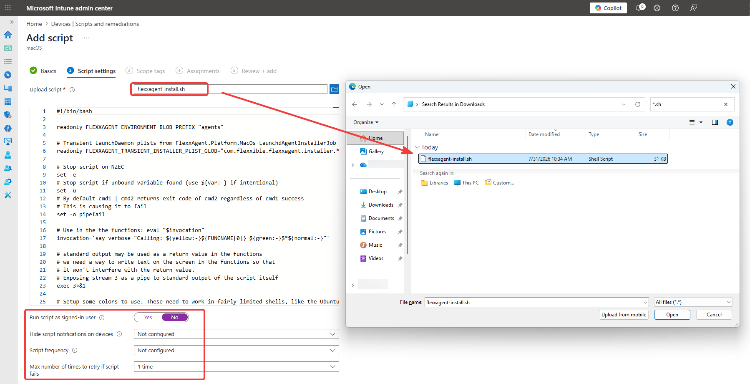
Scope tags
Configure the scope tags that correspond to the organization.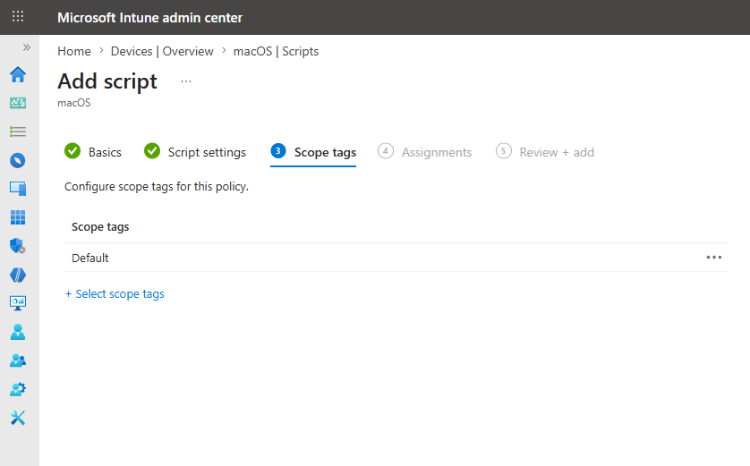
Assignments
Select the user or device groups the installation script will be assigned to.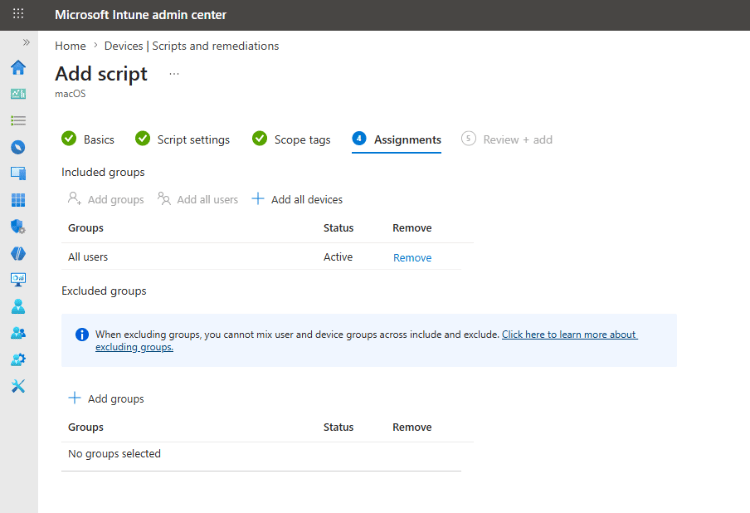
- Review the configuration and create the script.