

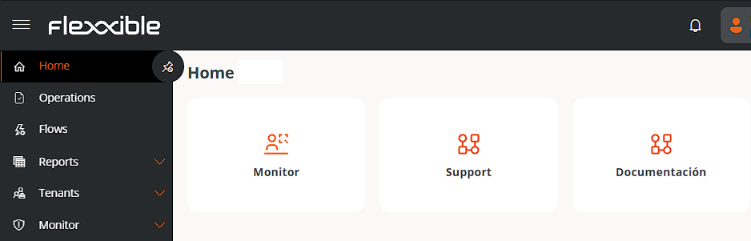
Opening a case
When you click Support, the creation form opens. Depending on the permissions available, you can select the affected account or submit the request on behalf of another person.Required information
You can also attach files, such as images or documents, from the bottom right of the form to provide additional information.
Follow-up
Once created, the case will appear in the My Tickets section of the main page, which displays both ongoing and resolved requests. This information is also available from the top menu, under the My Cases option.Statuses
A case can be in one of the following statuses:- New. Recently created and pending attention.
- Open. Being handled by the support team.
- Resolved. Resolution proposed and pending confirmation by the user.
- Closed. Definitively closed.
- Accept the resolution, which changes the status to Closed.
- Reject the resolution, which returns the case to Open to continue handling.