FlexxAgent logs
The agent logs are available in the device’s detail view. To access them:- Go to Workspaces → Workspaces.
- Select the corresponding device in the table.
- Click FlexxAgent logs in the side menu.
Available information
The logs table includes the following information: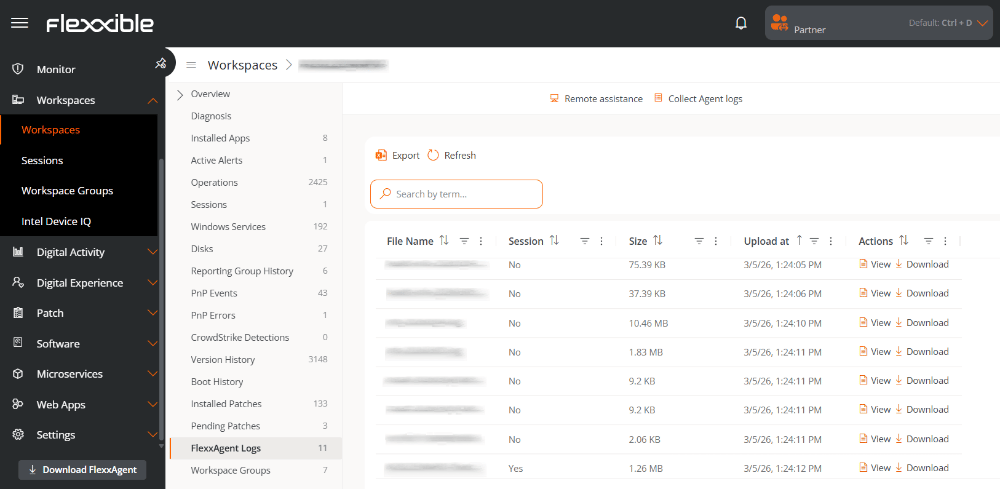
- File name. Name of the log file generated by FlexxAgent.
- Session. Identifier of the installation or execution session the log belongs to.
- Size. Size of the log file.
- Uploaded on. Date and time when the log was uploaded to the platform.
-
Actions. Operations available for the log file.
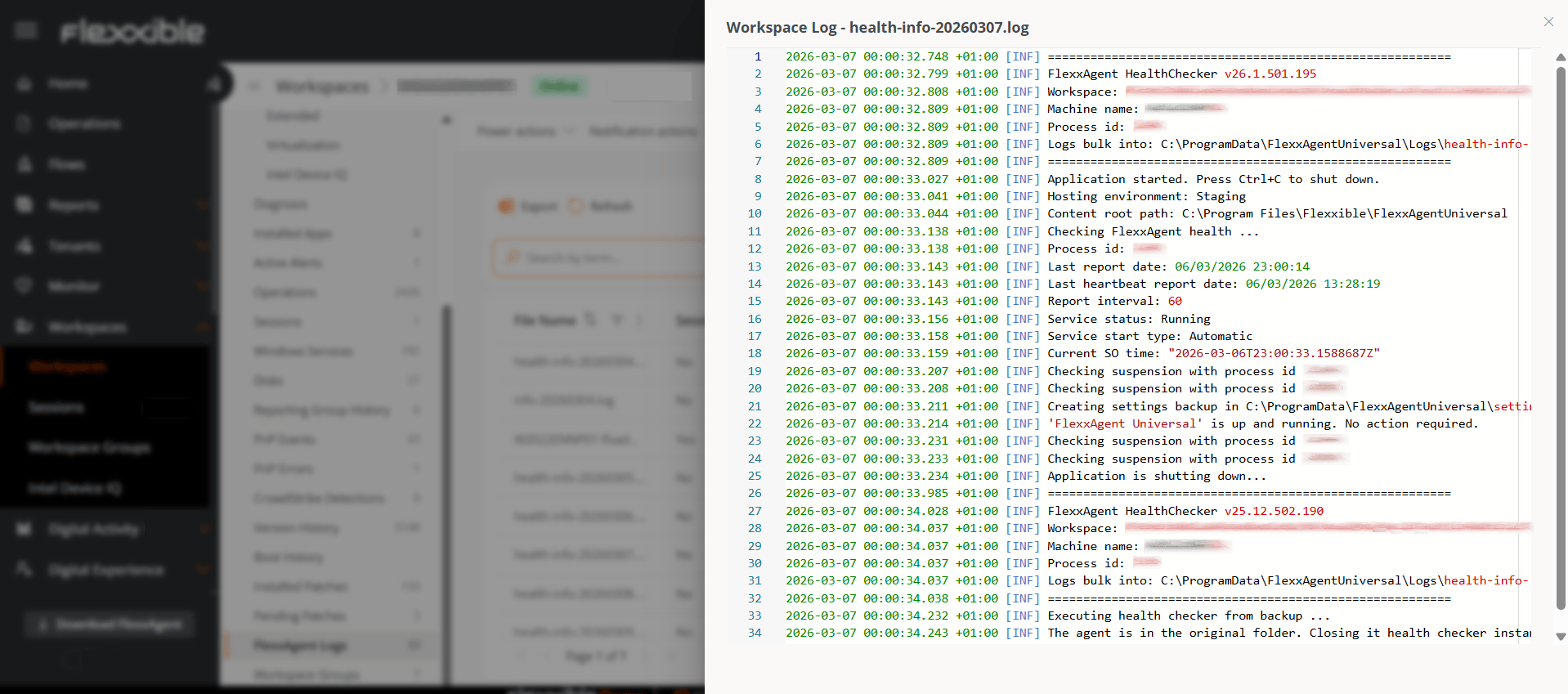
- View. Displays the log contents.
- Download. Downloads the file for local analysis.
Log collection
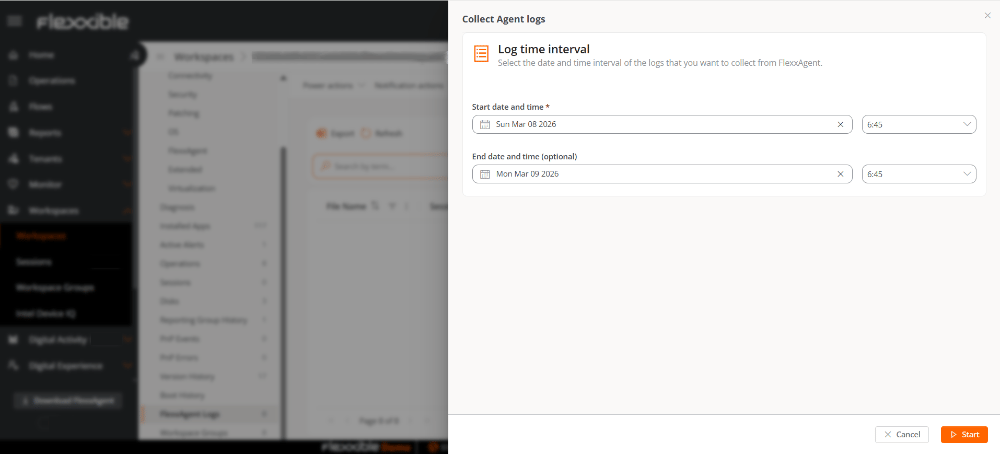
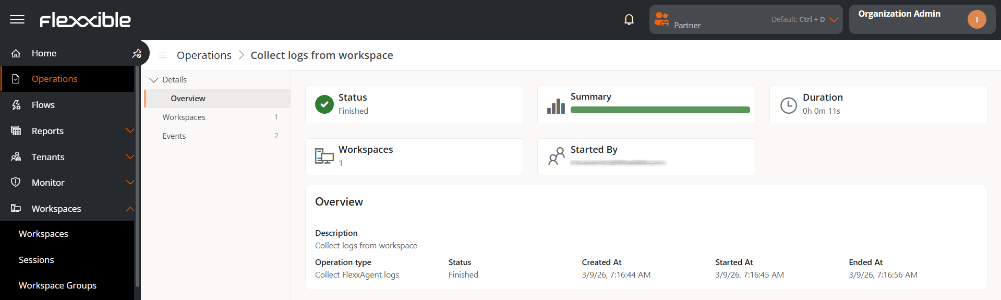
The Collect agent logs button, available at the top of the table, lets you request log collection from the device for a specific time interval.